AI Smart Glasses with Camera Review
I wore these AI smart glasses with camera for a few days: 1080p POV video, open-ear audio, and a menu translation test.
These AI smart glasses with camera are worth buying if you want hands-free POV video and music without plugging anything into your ears. 1080p recording, 32GB onboard storage, and an AI assistant that translated a Chinese menu for me on the spot. Skip them if you need true action-camera footage.
This post contains affiliate links. I may earn a commission at no extra cost to you. The company sent me this free sample in order to do this review.
How this review was made: written from my own video review of this product. Every opinion here is my own, from using it myself.
| Video | 1080p @ 30fps, software stabilized |
|---|---|
| Photo | 8MP (3264×2448) |
| Storage | 32GB internal |
| Connectivity | Wi-Fi 4 + Bluetooth 5.3 |
| Translation | 110+ languages |
| Battery | 150 minutes continuous, 1 hr charge |
| Frame size | 150 × 49 × 40 mm |
AI Smart Glasses with Camera Read My Menu Aloud
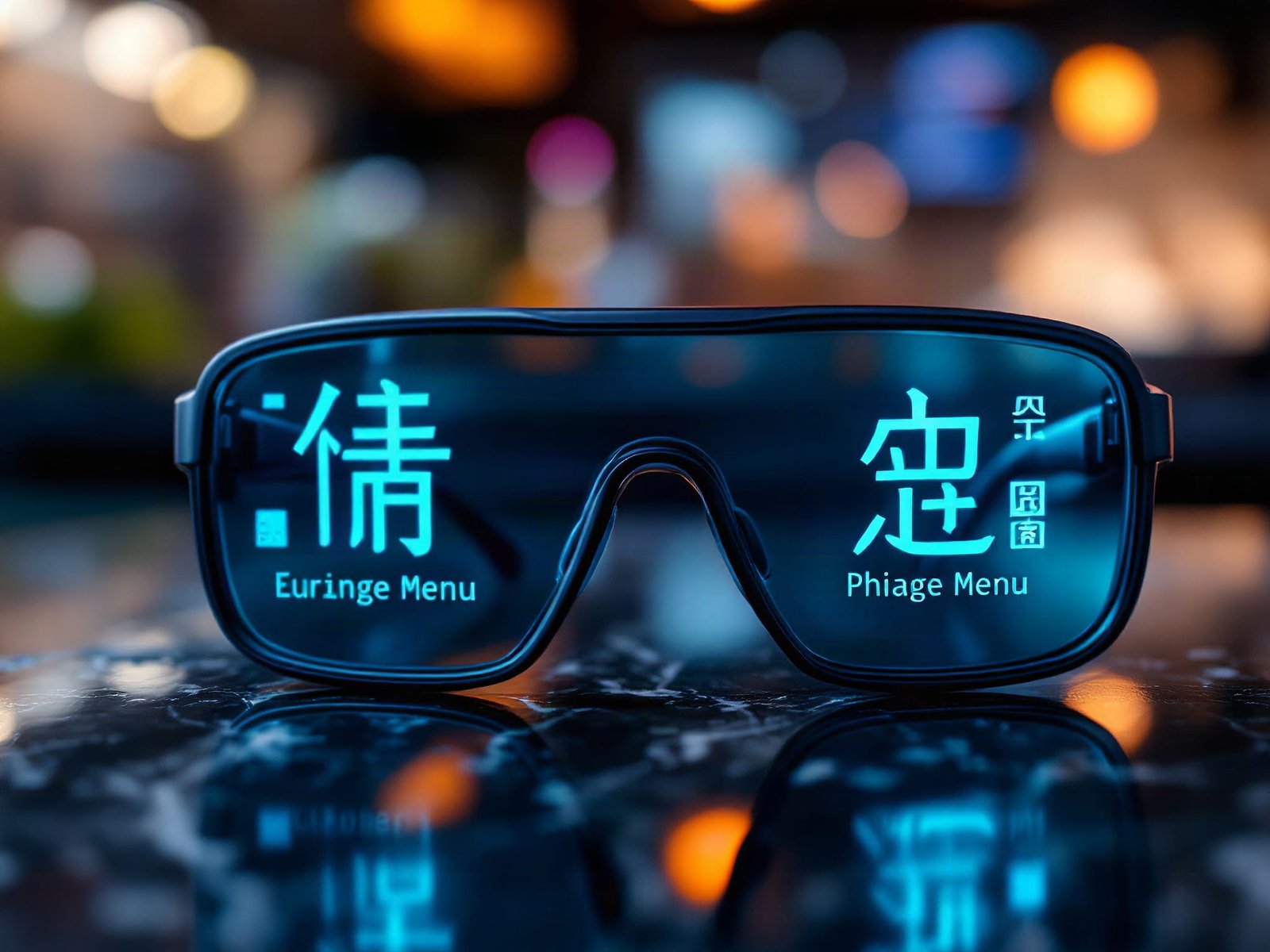
It read the menu back to me. “Iron plate with lamb 38. Iron plate with pork liver.” I was looking at a menu printed entirely in Chinese, I asked the assistant to translate it, and a few seconds later I knew what I was ordering. That’s the moment these AI smart glasses with camera stopped being a novelty for me.
The wake phrase is “Hello, Echo,” and from there you just ask. The wake phrase is “Hello, Echo,” and from there you just ask. The listing says 110+ languages. I tested one, and the one I tested worked.
Double Tap the Front Button. That’s the Whole Recording Workflow.
Double tap starts video, single press takes a photo. No app, no unlocking, no fishing your phone out of your pocket. I looked across my classroom, double tapped, and had POV footage of exactly what my eyes were seeing, including my hands. That’s the part that matters for content creators. If you’re holding something, demonstrating something, doing whatever it is you’re doing, it records it in real time from your actual perspective.
I also took a picture of a calculator on my desk by just looking at it and pushing the button. Took about a second.
Everything lands on 32GB of internal storage, so you’re not tethered to your phone while you shoot. Later, when you’re on a good Wi-Fi connection, you pull it over to your phone via the Bluetooth pairing and do whatever you want with it. Video is 1080p at 30fps with software stabilization, photos are 8MP. That’s good POV footage. It is not GoPro footage, and if you’re expecting 4K action-cam quality out of a pair of sunglasses, that’s a mismatch.
The other half of these is audio. Little speakers sit in the temples and fire toward your ears without covering them. I could hear my music and still hear the room. That’s the trade I actually want walking around campus or down a street. You’re not cut off from the world. The flip side is obvious: open-ear means anyone near you hears a little of what you’re playing, and there’s no noise isolation at all.
What the Money Buys Against Ray-Ban Meta
Ray-Ban Meta starts at $299 and climbs past $400 with premium lenses. These are priced well under $200, check the link for the current number, because it moves. What you lose versus Meta is Meta’s app ecosystem and brand finish. What you keep is the same four-function pitch: camera, assistant, translation, open-ear audio. All of it in a frame light enough that I forgot I was wearing it on a 30-minute run.
For under $200, you get translation, POV video, and open-ear audio in one frame, three separate gadgets collapsed into one.
The 150-Minute Battery Is the Real Limit
A full hour of charging gets you 150 minutes of continuous use. Treat these as a half-day device, not an all-day one. If you’re traveling abroad and leaning on translation plus music plus recording, you’re going to be hunting a charger by mid-afternoon. Same story if you’re recording long POV sessions. Short clips sip; continuous video doesn’t.
They also aren’t prescription glasses out of the box, and the lens is a sunglass or blue-light option. If you already wear a specific script, that’s a conversation with your optician, not a one-click purchase.
Where These Sit Next to Earbuds and an Action Cam
They replace two things most people carry separately. I wore them through a 30-minute run and a full gym session the same day. No slipping on sweat, no pressure point on the bridge, no moment where I reached up to adjust them. That matters because glasses that shift even slightly while you’re moving make you self-conscious of the camera angle the whole time. For anyone who already wears sunglasses on a run and jams one earbud in, these collapse that into a single thing on your face.
They do not replace a gimbal or a chest-mounted action cam for serious footage. Different job.
Who These Are For
Content creators who shoot hands-on POV, travelers who hit language walls, and anyone who wants music without sealing their ears shut. If none of those three use cases, POV content, translation, wire-free audio, describe you, pass. If even one does, these are hard to argue with at this price. They’re also the rare tech gift that does something immediately legible the first time someone puts them on, which matters if you’re buying for someone else.
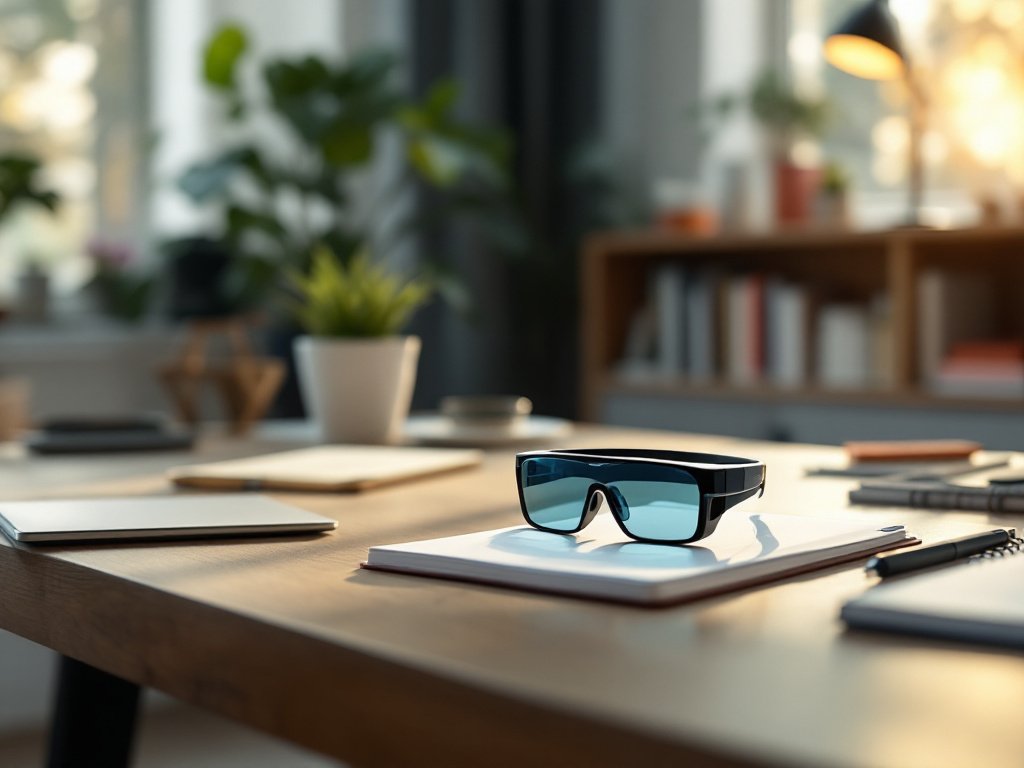
Not for you if you need prescription lenses, all-day battery, or cinema-grade video.
Pros
- Translation worked on a real Chinese menu with one voice command
- Double-tap recording, no phone and no app in the way
- Open-ear speakers let me hear music and the room at the same time
- Light enough that I ran and worked out in them without issue
- 32GB onboard, so recording doesn’t depend on a phone connection
Cons
- 150 minutes of continuous use is a half-day, not a full one
- 1080p POV video, not action-camera quality
- No prescription lens option out of the box
- Open-ear audio leaks to people nearby
Frequently Asked Questions
Do I need a subscription for the AI assistant?
No. The ChatGPT integration is included per the product listing, no separate subscription called out. You do need your phone’s data connection for the assistant and translation to reach the internet.
What phones do they work with?
Anything with Bluetooth 5.3 and Wi-Fi, so current iPhones and Android phones both. Pairing is standard Bluetooth for calls and audio, and file transfer rides over Wi-Fi.
Can people tell you’re recording?
The camera lens is visible in the frame corner if someone looks at you directly, but it isn’t obvious from across a room. Be mindful of where you’re pointing them, especially indoors and around other people’s kids.
Will 32GB fill up fast?
Not at the rate most people shoot. 1080p clips of a minute or two take very little of it, and you’d run the 150-minute battery flat long before you filled the drive. Offload to your phone when you’re on decent Wi-Fi and you’ll never think about it.
Learn more
AI Smart Glasses with HD Camera
Get the best price today →Affiliate link. See the disclosure at the top of this post.

🛍️ Shop everything in this video
Every product mentioned, in one place. These are affiliate links, so I may earn a small commission at no extra cost to you.
🛍️ Smart Glasses with HD Camera and AI Assistant: check price on Amazon →