Flycatcher smART Sketcher 2.0 Projector: Who Is It Actually For?
Flycatcher smART Sketcher 2.0 Projector review: 60+ images, Bluetooth app, step-by-step drawing for kids 5+. See who gets the most out of it.
This post contains affiliate links. I may earn a commission at no extra cost to you.
Hey guys, this review is going to be for the Flycatcher smART Sketcher 2.0 Projector, and I want to cut straight to the point: if you have a kid around ages 5 and up who keeps asking how to draw things but gets frustrated before they finish, this projector is built exactly for that situation. The company was nice enough to send me this so I can answer some of the questions you have on it.
I own this and use it, so I can tell you what actually matters here. It connects to your phone or tablet via Bluetooth, and it comes loaded with over 60 images right out of the box. That combination is what makes it interesting, so let me walk you through it.
What the smART Sketcher 2.0 Projector Actually Does
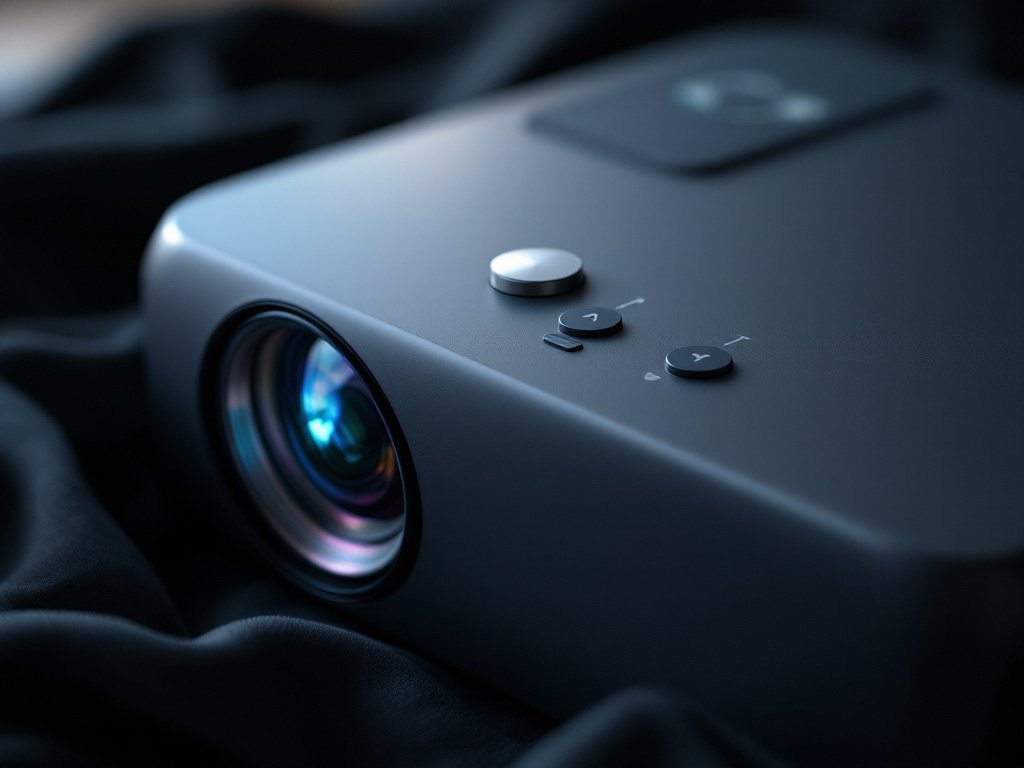
The core idea is simple. The Flycatcher smART Sketcher 2.0 Projector projects an image down onto a sheet of paper, and your kid traces it. But that description undersells it, because the step-by-step tutorial mode is where it gets really useful. Instead of projecting the whole drawing at once, it walks kids through the drawing in stages so they are building the image piece by piece. That structure is what separates this from just holding a picture up to a window and tracing it.
It projects onto a 6.5 × 5.4 inch area, which is a reasonable working surface for a younger child. The unit itself runs on either a USB power plug or 4 D batteries, so you can use it at a desk with a cable or take it somewhere without an outlet. That flexibility is genuinely useful.
The App Connection Is the Versatile Part
Really my favorite part about this is how versatile it actually is once you connect it to the app. You pair it to a smartphone or tablet via Bluetooth, and from there you can access additional content, personalized drawings, and interactive tutorials beyond the 60-plus pre-loaded images that come built in. You can also snap a photo of anything, edit it in the app, project it, and trace it. So if your kid wants to draw the family dog, or a favorite character, or literally anything they can photograph, you can make that happen.
The app requires iOS 13.0 or higher, or Android 6.0 or higher. One thing worth knowing upfront: Amazon Fire tablets are not supported. If your household runs Fire tablets, plan to use a phone instead. That is a real limitation depending on your setup, and I want to be straightforward about it.
The projector also has two brightness levels plus an in-app darkness slider, so you can dial in the right projection intensity for the lighting in your room. Brighter rooms need a darker projection to see the lines clearly, so having that control matters.
What Comes in the Box
Right out of the box you get 20 sheets of paper, four colored pencils, a USB cable, and instructions. That is enough to get started immediately. The Flycatcher smART Sketcher 2.0 Projector, Step-by-Step Drawing, Kids Ages 5+ ships ready to use, which parents appreciate because there is nothing worse than a gift that needs extra trips to the store before it works.
Beyond what is included, the system is expandable with themed cartridges covering spelling, writing, and language lessons. The 2.0 version uses cartridges rather than an SD card like the original, and those cartridges are more durable. So if the 60-plus pre-loaded images eventually get worked through, there is a clear path to more content without buying a completely new device.
Who This Is Really For
This thing is perfect for kids around 5 to maybe 10 or 11 who want to learn to draw but get discouraged when their freehand attempts do not match what they pictured in their head. The step-by-step guided format gives them a way to succeed and finish something, and that finished drawing builds confidence. As a teacher, I have seen how much that moment of completion matters for younger kids.
It is also a strong pick for kids who do independent play well. The instructions are clear enough that a child can work through a drawing without needing a parent to run every step. Parents can set it up and step back, which is genuinely useful. Your imagination is really the only thing limiting what you can project and trace, especially once the app opens up custom photo tracing.
It is not the right fit for a kid who wants a purely freehand art experience with no guidance, or for a household that only has Fire tablets. And at 2.7 pounds with an 8 × 9.25 × 11 inch footprint, it is a desktop device, not something that tucks into a bag easily.
Build and Setup
The projector is teal and white plastic. Setup is straightforward: place it on a flat surface, put a sheet of paper in the projection area, power it on, and select an image. Connecting to the app via Bluetooth adds a step but is not complicated. The 90-day manufacturer warranty is modest, so treat it with reasonable care.
The projection area is specific at 6.5 × 5.4 inches, so the paper needs to be positioned correctly to capture the full image. That is easy enough to manage, but worth knowing so kids do not get frustrated trying to figure out placement the first time.
The Case for It
The smART Sketcher 2.0 Projector delivers good value for what it offers. You get over 60 images built in, Bluetooth app connectivity, photo-to-projection capability, expandable cartridges, and step-by-step tutorial modes. That is a lot of functionality compared to a simple light tracing board with no guided content.
The cartridge system means ongoing cost if you want themed content packs, but the base experience is complete without them. That is a trade-off worth knowing before you buy.
If you have a young aspiring artist at home, I would definitely recommend checking this out. It earns its spot in the art supply lineup by teaching kids the process of drawing, not just giving them a shortcut. Worth a look.
👍 Pros
- Over 60 pre-loaded images ready to use out of the box, no extra purchases required to start
- Bluetooth app connection unlocks photo-to-projection tracing of any image your kid can photograph
- Step-by-step tutorial mode guides kids through drawings in stages rather than projecting the whole image at once
- Runs on USB power or 4 D batteries, so it works at a desk or away from an outlet
- Expandable with themed cartridges for spelling, writing, and language content beyond drawing
👎 Cons
- Amazon Fire tablets are not supported by the app, which limits households that rely on Fire devices
- 90-day manufacturer warranty is shorter than what many comparable kids’ electronics offer
- Projection area is fixed at 6.5 × 5.4 inches, so paper placement needs to be precise for a clean trace
The scorecard
Ease of Setup, ★★★★★ 4.5/5
Content Value, ★★★★★ 4.5/5
App Versatility, ★★★★☆ 4.0/5
Build Quality, ★★★★☆ 3.5/5
Value for Price, ★★★★☆ 4.0/5
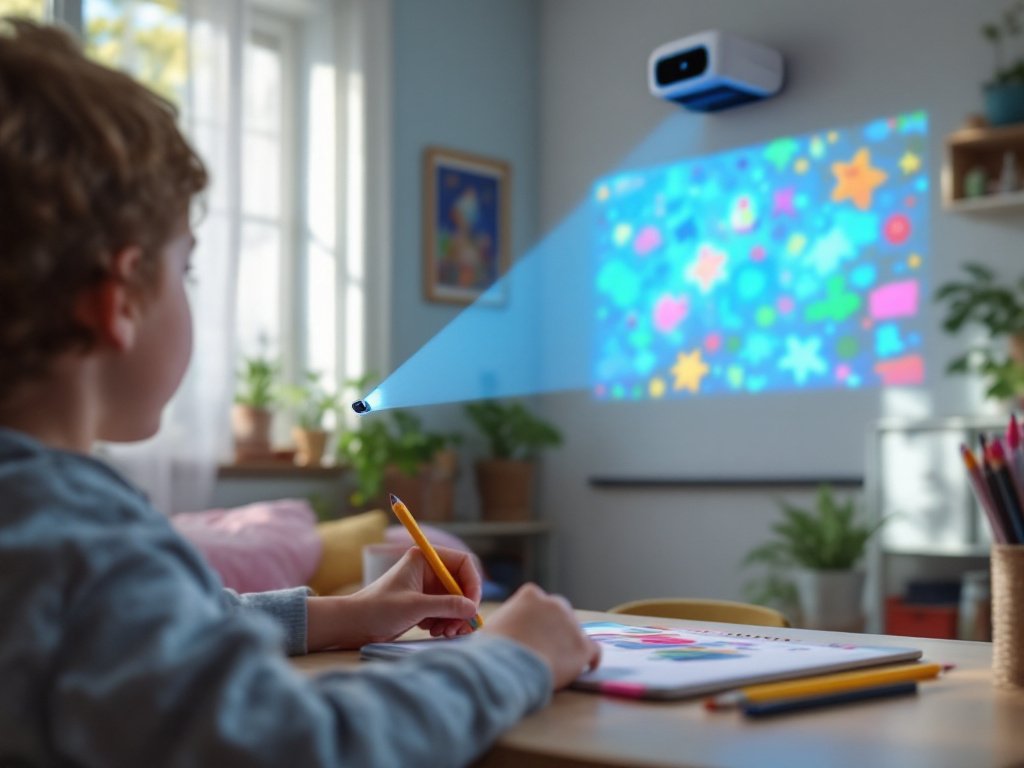
👉 The Flycatcher smART Sketcher 2.0 Projector is a practical, app-connected drawing tool for kids 5 and up that actually teaches the process of drawing, not just the shortcut.
Frequently asked questions
Does the Flycatcher smART Sketcher 2.0 Projector work with Amazon Fire tablets?
No, Amazon Fire tablets are not supported. The app requires iOS 13.0 or higher, or Android 6.0 or higher, so you will need a phone or non-Fire tablet to use the Bluetooth app features. The pre-loaded images on the device itself still work without any tablet or phone.
How many images does the smART Sketcher 2.0 come with?
It comes with over 60 pre-loaded images covering animals, landmarks, and vehicles. You can expand the library further using themed content cartridges, and the app lets you project any photo you take with your smartphone.
Does it need batteries or can it plug in?
It can do both. The smART Sketcher 2.0 Projector runs on 4 D batteries for portable use, or you can power it via USB with a plug that outputs 5V DC at a minimum of 1.5A. A USB cable is included in the box.
What age is the smART Sketcher 2.0 Projector designed for?
Flycatcher rates it for kids ages 5 and up. The step-by-step guided drawing format is structured to work well for younger children who are still building fine motor coordination, but the custom photo tracing feature keeps it engaging for older kids too.
What is included in the box?
The box includes 20 sheets of paper, four colored pencils, a USB cable, and instructions. Drawing materials can vary slightly by retailer, but those are the standard inclusions so your child can start right away without needing anything extra.