LeapFrog LeapMove Active Learning Video Game System: Screen Time That Moves
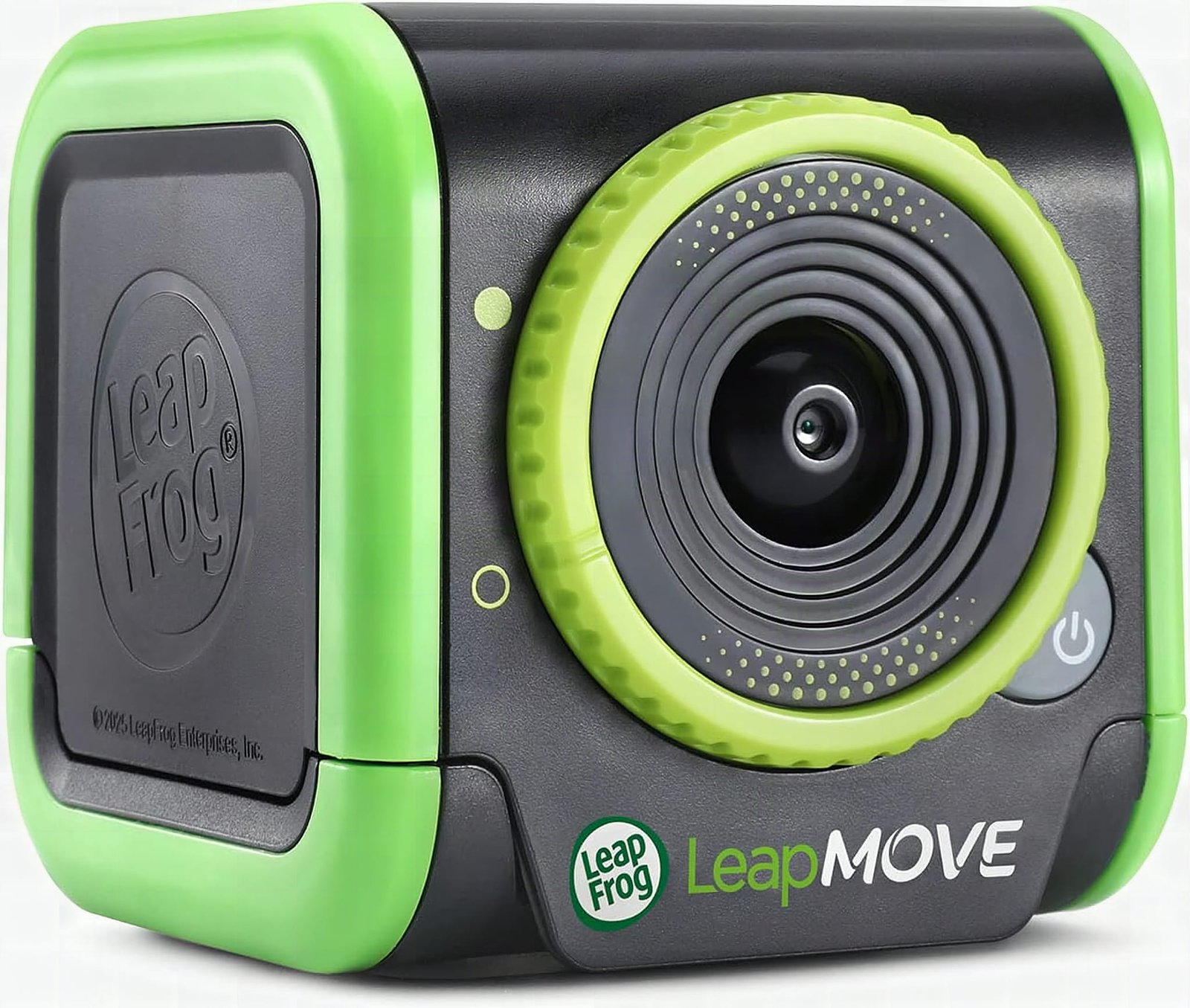
I set up the LeapMove under my TV with one HDMI and a USB-C cable, played it solo, and the math built into the movement is what sold me.
The LeapFrog LeapMove is the only kids’ system I’ve tested where my child was doing addition and sweating at the same time. Two cables, 25 preloaded games, no account, no batteries, it’s ready before the birthday wrapping hits the floor. If your kid is 4 to 7 and won’t sit still, stop looking.
This post contains affiliate links. I may earn a commission at no extra cost to you.
How this review was made: written from my own video review of this product. Every opinion here is my own, from using it myself.
| Preloaded games | 25 |
|---|---|
| Learning levels | 3 (math, spelling, phonics, 20+ school skills) |
| Connectivity | HDMI + USB-C (both included) |
| Age range | 4 to 7 years |
| Batteries | Not required |
| Extras | Downloadable games, including two-player |
I Bought It for My Kids and Played It Alone First
I set this thing up under my TV and then played it by myself for a while before my kids ever saw it. Not my proudest parenting moment, but I was having a good time. The LeapFrog LeapMove Active Learning Video Game System sits on the console below my screen, plugged in behind it, and you are the controller. No wand, no pad, no pairing.
Setup was super easy. One HDMI wire, one USB-C plug, both in the box. Push on and you’re ready to go. That’s it. LeapFrog’s whole angle is learning disguised as play, and this one takes that further than any of their tablet games, because instead of tapping a screen, my kid is physically lunging at glowing numbers while his heart rate climbs.
Who the leapmove active learning system is not for
Anyone outside the preschool-to-first-grade window is going to outgrow it fast. LeapFrog lists it at 4 to 7, and after playing it I’d say that’s accurate. The math is basic addition. The word games are phonics-level. A third grader will clear the top learning level and then want something else.
I do have an eight-year-old, and he’s going to want to get involved, because of course he is. But he’ll be playing it for the movement, not the lessons. That’s the one thing to keep straight before you buy it as a solo gift for an older kid.
The other thing: this needs floor space in front of the TV. You’re flapping your arms to fly into numbers and racing through obstacle courses to build words. If your living room is a coffee table and two feet of carpet, somebody’s shin is finding that table.
Plug and Play, Literally
No batteries, no app, no account, no subscription to make the 25 games work. That’s rarer than it should be in this category. Most motion-based kid systems want a tablet in the loop, a firmware update, or a login before anyone plays anything.
Here you plug in the USB-C, plug in the HDMI, and you’re ready to go. The games are already on it. There’s a download path for extra games including two-player options if you want more later, but nothing you need on day one. For a gift that gets opened at a birthday party with six kids waiting, that matters more than any feature on the box.
What the Money Buys Versus Another Tablet
You’re paying for 25 games across 20-plus school skills and the fact that nobody is sitting down to play them. That’s the whole pitch, and it’s the part I keep coming back to. It’s screen time, but without the actual sitting there like a zombie.
Compare that to the usual alternatives. A kids’ tablet costs more, needs charging, needs parental controls, and ends with a kid slumped on the couch. A stack of workbooks is cheaper and gets ignored by Tuesday. This one sits in between, and it’s the only option of the three where my kid is moving his body and doing addition at the same time.
Worth knowing on timing: pricing has been steady for about three months, so there’s no obvious reason to sit and wait on this one. It’s also selling noticeably better lately, sitting around #2,465 in Toys & Games against a 90-day average closer to #6,730, with over a thousand bought in the past month. Translation: it’s moving, and gift seasons are when things like this go quiet on stock. Check the current price here.
The Educational Component Is What Sold Me
The addition isn’t bolted on after the fun part, it’s the reason you’re moving, which as a math teacher I don’t see often in kids’ systems. You catch glowing orbs to explore letters. You flap to soar into numbers. The movement and the skill are the same action.
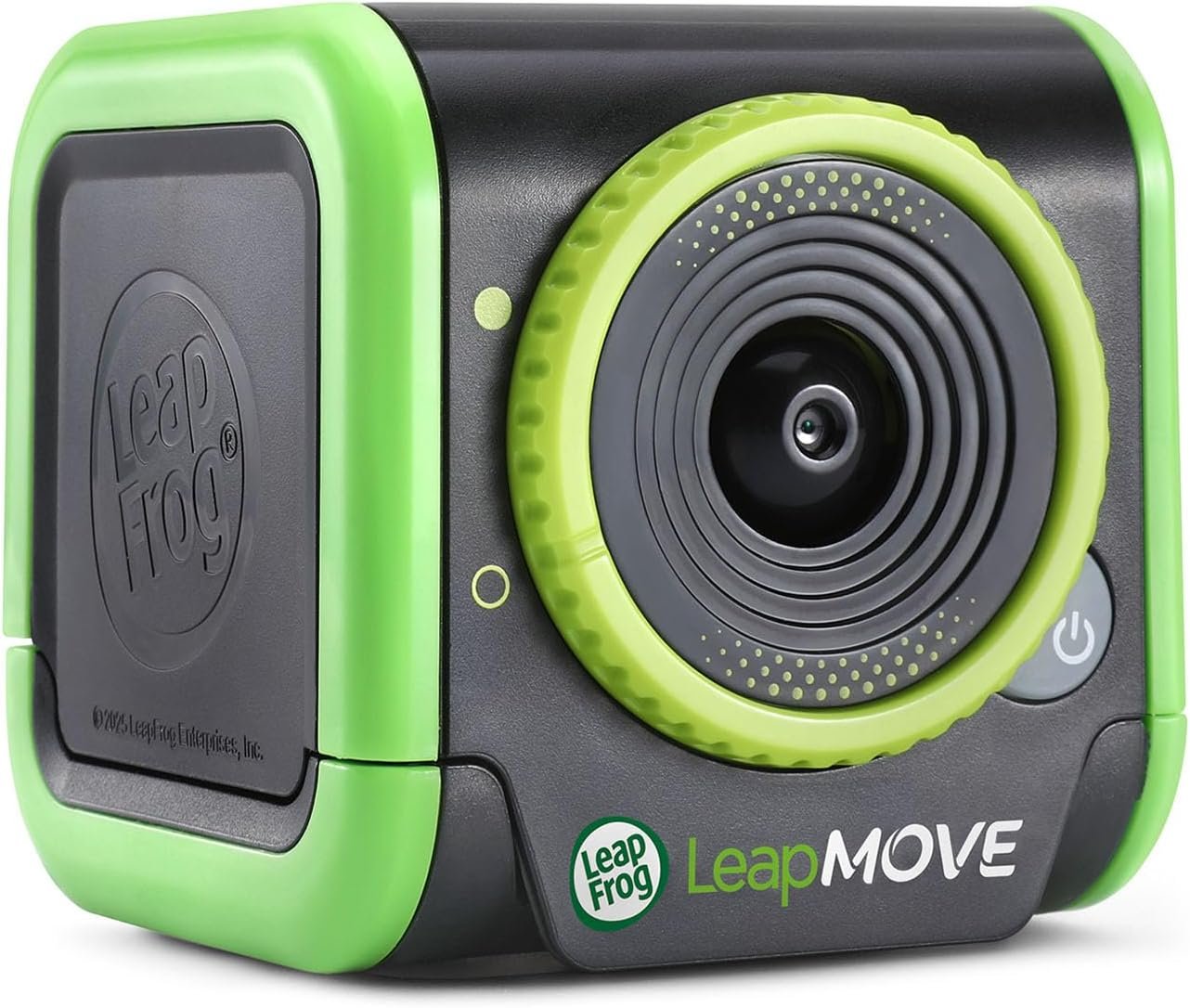
The movement and the math are the same action, not a reward for finishing the lesson, not a break between questions. For a math teacher, that design choice is the whole ballgame, and it’s the one thing no worksheet or tablet app I’ve seen actually pulls off.
Pros
- Setup is literally plug and play: one HDMI, one USB-C, both included
- 25 games preloaded, nothing to download before the first play
- The learning is built into the movement, not tacked on after it
- Your body is the controller, so no extra accessories to lose
- No batteries, no app, no subscription to use what’s on it
Cons
- The math caps out at basic addition, so a first grader will age past it
- Needs clear floor space in front of the TV before anyone starts flapping
- Two-player and extra games are a download, not preloaded
Frequently Asked Questions
Does it work with any TV?
If your TV has a free HDMI port and you can reach power for the USB-C cable, you’re set. There’s no smart TV requirement and no Wi-Fi needed to play the preloaded games. Mine ran off the console shelf directly under the screen.
Is there a monthly fee or account to set up?
No. All 25 games are on the system out of the box with no login. Downloading the additional games and two-player titles is optional, so you can give this as a gift and nobody has to create anything before playing.
Can two kids play at the same time?
Two-player options exist, but they come from the downloadable games rather than the 25 preloaded ones. If a sibling pair is the whole reason you’re buying, plan on grabbing those before the big day.
Does it need batteries?
No batteries at all. It runs off the included USB-C cable, which is one less thing to dig out of a drawer on a birthday morning.
Clicking takes you to Amazon. As an Amazon Associate we earn from qualifying purchases — pricing and availability subject to change.
Get it now
LeapFrog LeapMove Game System
Get the best price on Amazon →Affiliate link. See the disclosure at the top of this post.

🛍️ Shop everything in this video
Every product mentioned, in one place. These are affiliate links, so I may earn a small commission at no extra cost to you.
🛍️ LeapMove Active Learning Game System by LeapFrog: check price on Amazon →